OOPS,
YOU CLICKED A PHISHING LINK!
Please take the refresher training video below. Please also spare a few minutes to read the training tips and take part in the short quiz.

8 Tips to spot phishing scams

TIP 1

Identifying Suspicious Messages and Websites

Remain cautious of messages with noticeable mistakes or irregularities, as these can indicate potential phishing attempts or malicious intent. Additionally, thoroughly check any linked websites to ensure that their menus and features function correctly. Malfunctions or errors may suggest fraudulent activity.

Be wary of giving sensitive data

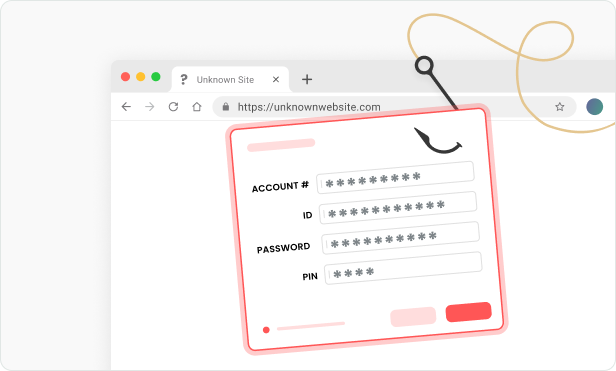
Whenever you are prompted to divulge personal data in order to update or verify, you should be especially careful. Never enter general username and password information on websites which were opened via a link in an email unless you know its exact background and it corresponds to your company policy.

Beware also when senders act trustworthy and confidential

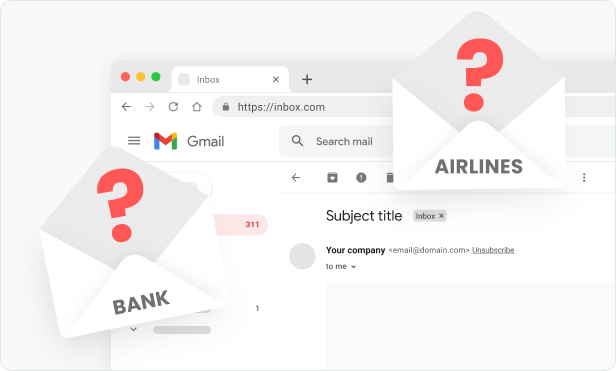
Even if you have received the email from your best friend, you should always remember that the message could be corrupt. Therefore, you should always be cautious. This also applies to emails from official organizations such as banks, tax authorities, online stores, travel agencies, airlines, etc. Even emails from your own employer are sometimes infected. It is ultimately not so difficult to make imposter, phishing emails which appear identical to the real messages of legitimate organizations.

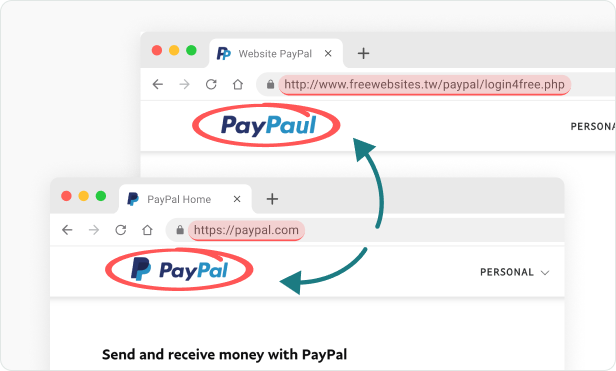
Do not rely solely on the appearance of a website, even if it looks identical to the legitimate one

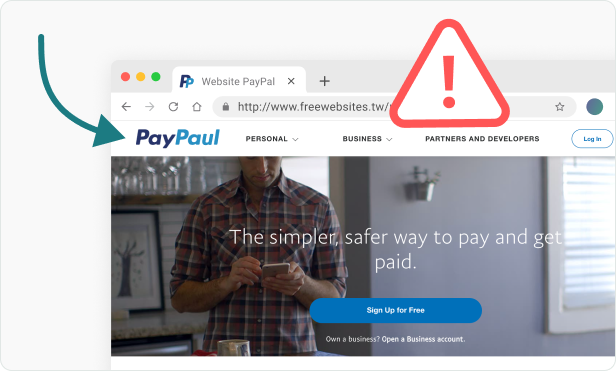
Phishing emails and websites are often designed to mimic real ones, depending on the skill of the attacker. However, the links in these communications are often incorrect, may contain subtle misspellings, or redirect to entirely different websites (e.g., www.paypaul.com instead of www.paypal.com). To ensure safety, avoid clicking on suspicious links. Instead, manually type the website address into your browser or use a bookmarked favorite for trusted sites.

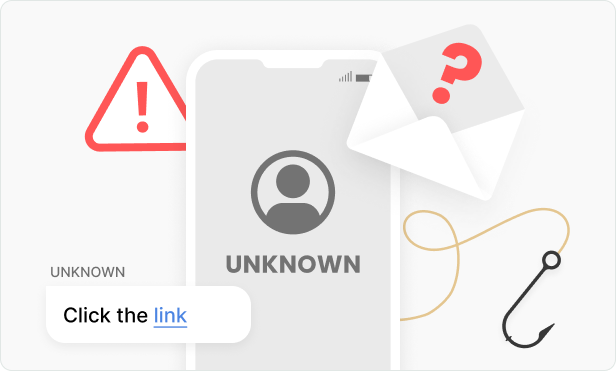
Beware, if you do not know the sender of the email

If possible, do not open any emails from unknown senders. If you do, do not click any link contained in it or at least move your mouse over the link to reveal the real target destination. Often the recipient copy ledger (cc:…) shows the email is being sent to numerous other recipients.

Be especially careful when the email is not appropriately addressed or contains awkward language

Be suspicious of emails which open with a generic greeting (such as using the non-personalized salutation of To Whom It May Concern) or an inconsistent style (such as colleagues who previously addressed you on a first name basis are now using last names only). The same applies to emails that are written suddenly in a foreign language differing from the usual language.

Mistrust emails prompting you for a quick action

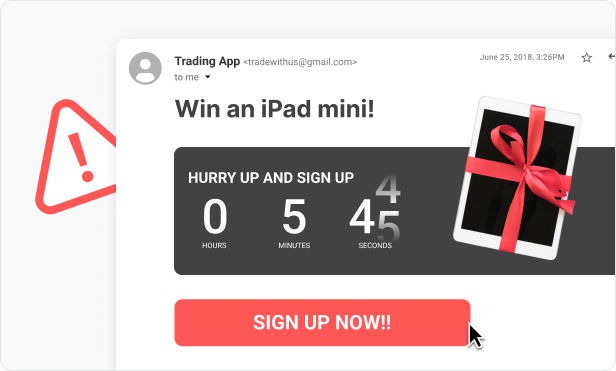
Emails that call for an immediate reaction (such as, prompting for an immediate login to an account) convey a sense of importance typical of phishing attacks. A clear warning is when there is a hint in the email that the data must be entered within a short time period.

Be very careful regarding any email attachments

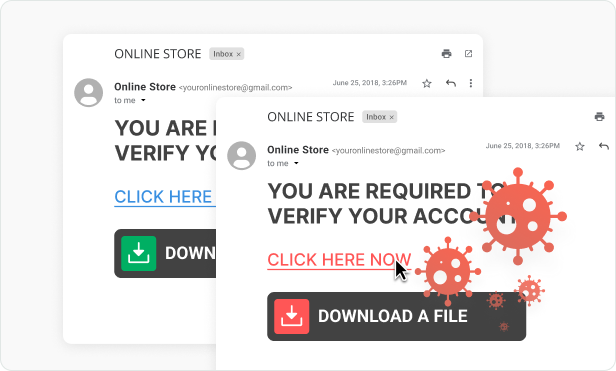
Files (for example, programs or even office documents) you receive via email may contain lethal malware. So remain cautious and only open email that you expect and trust.

What is Phishing?

The Go-To Social Engineering Strategy

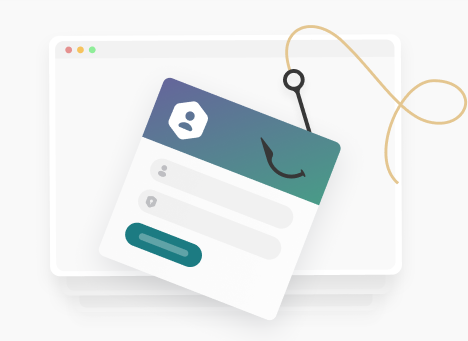
Phishing is the art of tricking you into giving away sensitive information or downloading malicious software onto your PC or company network. Nowadays, it is far easier for a criminal to manipulate you to do something than it is to manually hack into your computer or your company’s network.

Phishing is easily carried out over email, it is inexpensive and can be repeated over and over to large lists of recipients. Phishing emails are often interesting. They are created in a way that can influence you to take action, and as a result can look very realistic.

Phishing Attack Methods

Deceptive Phishing

An attack where criminals impersonate a legitimate person or company that isn't very targeted.

Read More

Spear Phishing

A personalized attack where the criminal uses tailored information to make the email more appealing to you.

Read More

Whaling

A specialized type of spear phishing that targets an important figure within a company.

Read More

Everyone is a Target Always Be Aware of Phishing

Email Phishing

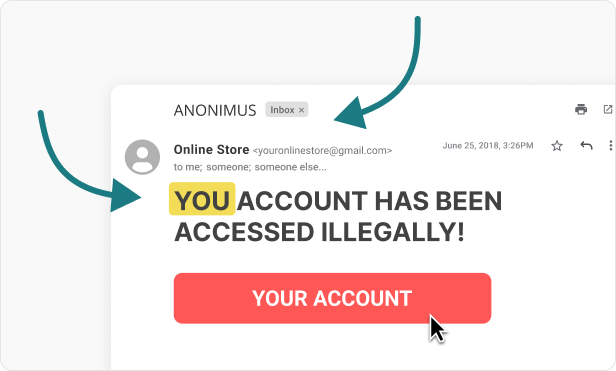
Criminals send phishing emails that appear to come from valid sources in an attempt to trick you into revealing personal, financial or company information.

What to look out for?

Spear phishing is harder to spot...

Date: 12.07.2017 02:14am Suspicious Date and Time
Subject: Important - Internet downtime Sense of Urgency
From: IT@yourcompany.com Spoofed Sender Address
To: you@yourdomain.com

Hi all,

Next week we will experience internet downtime due to a network upgrade from BT. Although expected overnight, this period of no connectivity might carry over to the following morning.

For more information on dates and arrangements made around this issue please go to

www.bt.co.uk/broadband-downtime/0ert16%reg556 Misleading and
Invalid Link

Regards,
  http://www.ma1ware-bounc1ng.biz Misleading and Invalid Link

IT Departament Spoofed Signature
Exam

Please select the correct answer

1 --question--

question2

  answer
  answer
  answer
  answer
  answer
  answer
Incorrect
Correct

Exam Results

Your result is: 5 out of 10

5-Minute Phishing Quiz

Quiz Completed

You finished the phishing quiz.

Test 1 of 9 Completed
Correct: 1 / 9

Is this a phishing mail?

Find out if the email could be a phishing attempt and click either "regular email" or "phishing email".

You can use hints during the game. The "next" button will take you to the next game question.

Incorrect Great Job!

This is a phishing mail.

This is a regular mail.